May 19th, 2022
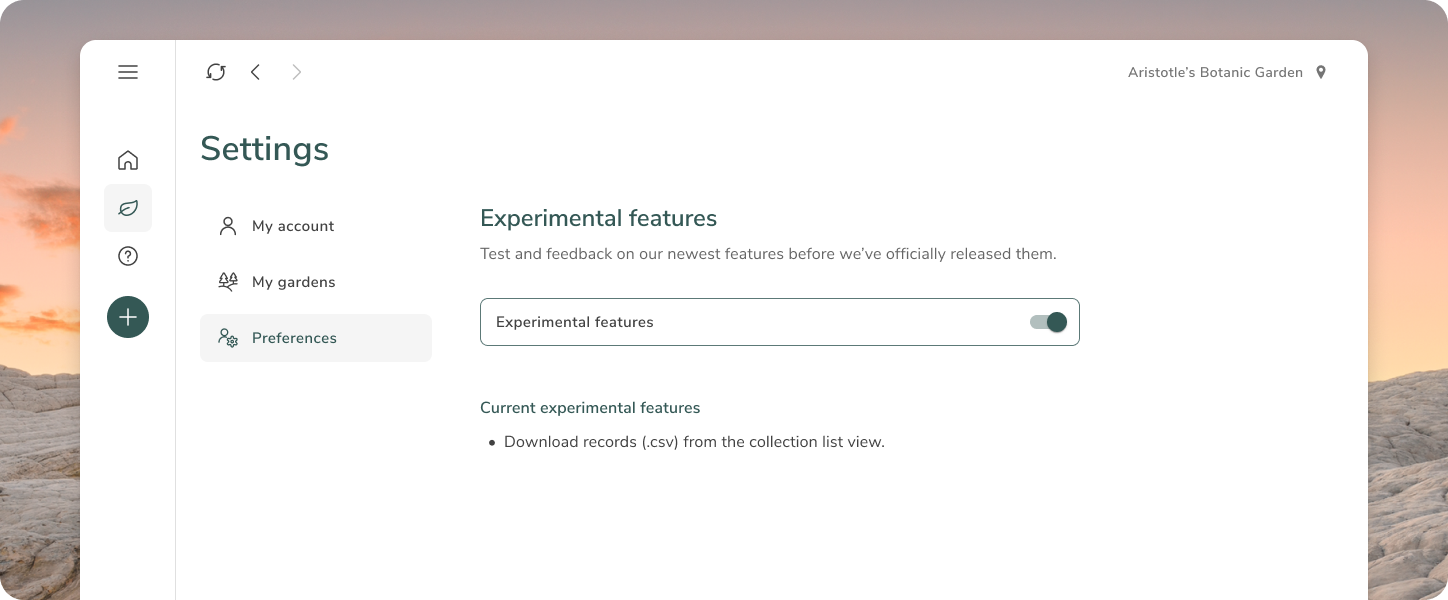
Add image [Experimental feature]
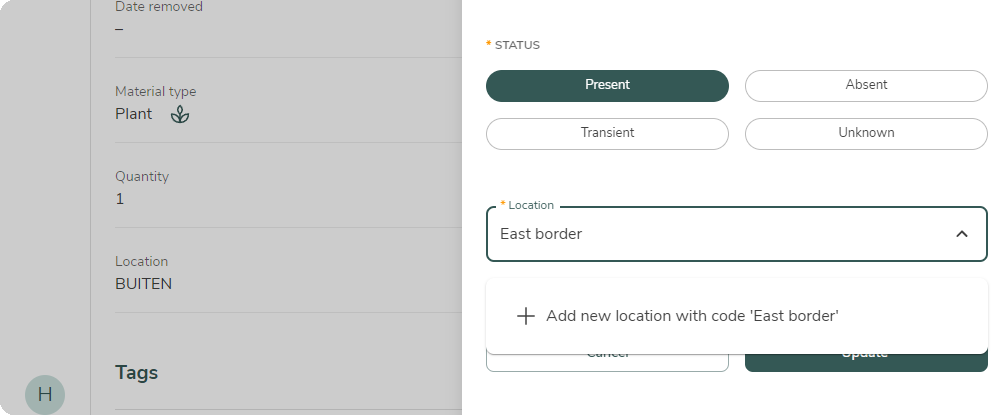
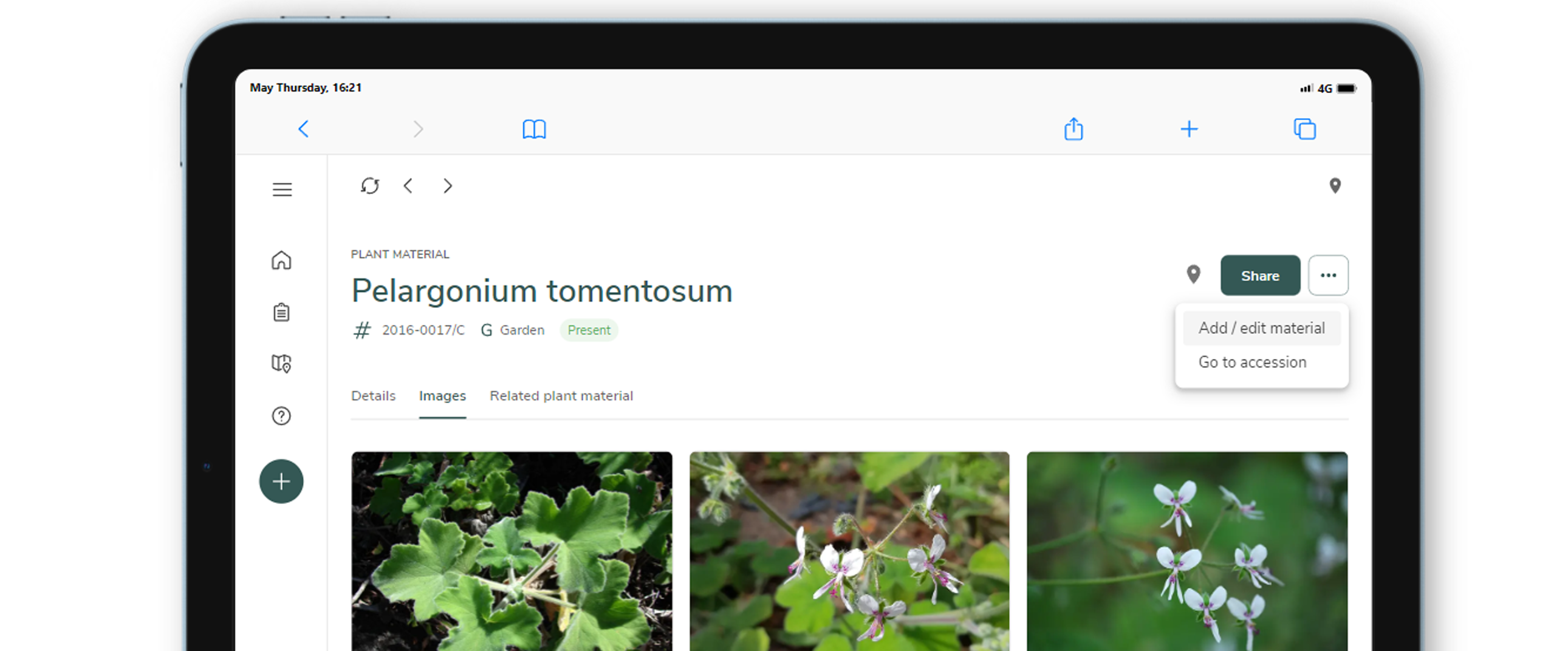
From the plant material, you can now add and view images (provided experimental feature is enabled in Settings). To add an image, click the [...] button at the plant material. Select "Add / edit material", the click "Edit" symbol where you can upload new images. The image tab is displayed if any images are available.