Plant Collection Inventory: Two Gardens, Two Stories

Inventory is the foundation of every living collection, and it is also the job most gardens put off. It is slow, tedious and never quite finished. So we asked two gardens that are doing it well to show us how to do it.
We ran the webinar "Plant Collection Inventory: Faster, Less Painful and Repeatable" twice, once for each side of the world. In the Atlantic session, Josh Brindley and Alison Keeney from the UCLA Mathias Botanical Garden walked through their grant-funded digital inventory project of a 7.5-acre garden. In the Pacific session, Laura Williams and Brian Quinn from the Royal Tasmanian Botanical Gardens shared 18 months of running their collection in Hortis, from QR-code labels to a conservation meta-collection.
Below you will find both recordings, a summary of what each garden shared, the questions attendees asked, and links to the resources mentioned.
Watch the recordings
Atlantic session — UCLA Mildred E. Mathias Botanical Garden
Pacific session — Royal Tasmanian Botanical Gardens
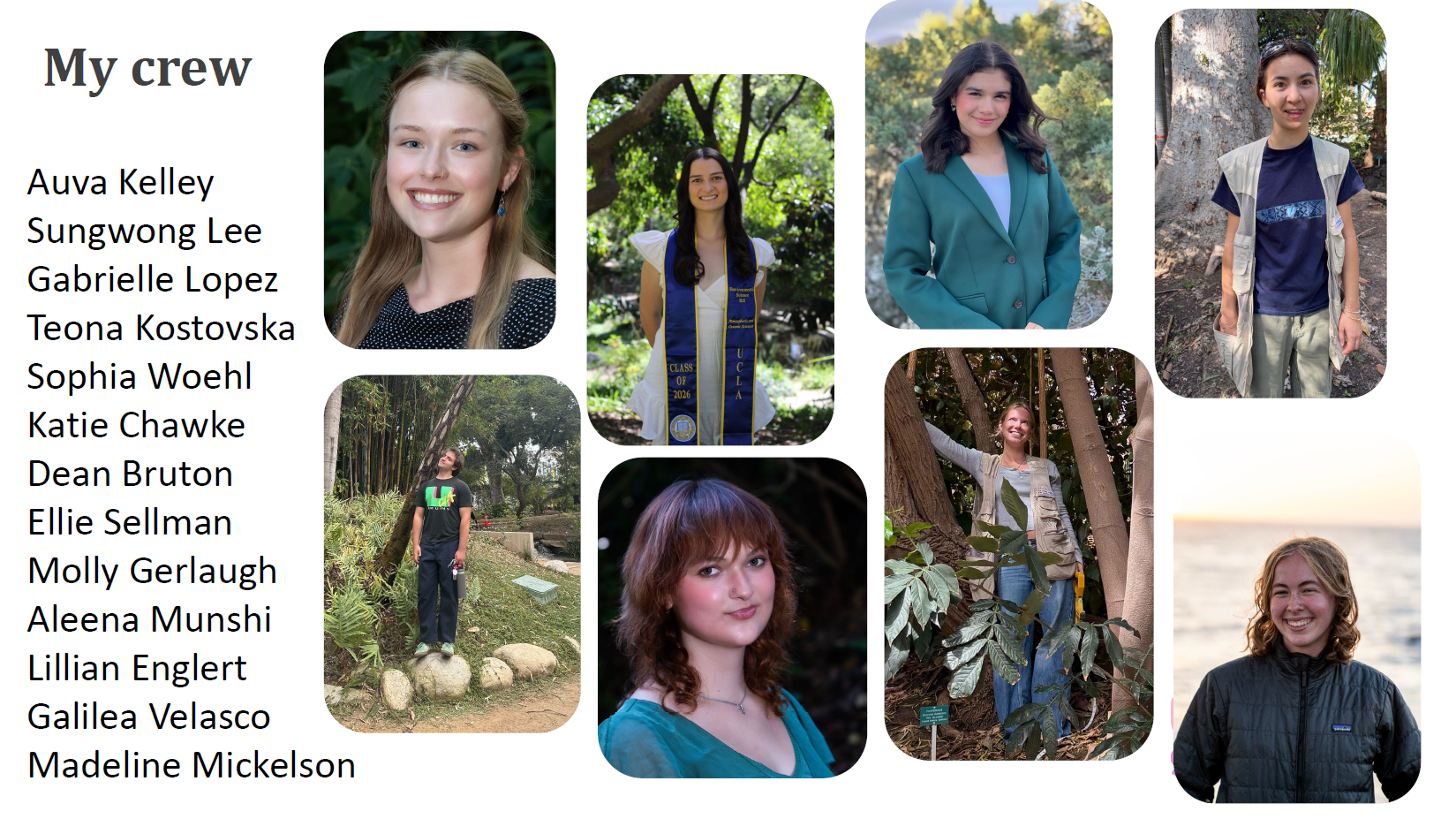
Inventorying 7.5 acres, one section at a time at Mathias Botanical Garden - UCLA
UCLA is roughly 70–80% of the way through a full inventory of its living collection, and the method is built to be repeated. Josh Brindley and Alison Keeney presented the work, which is part of The Collections Project, funded by the Institute of Museum and Library Services (IMLS).
Inventory is foundational work that tends to get postponed because it is unglamorous, and the first five months were hard going. Having the right software in place took much of the stress out of it.
How the team works in the field
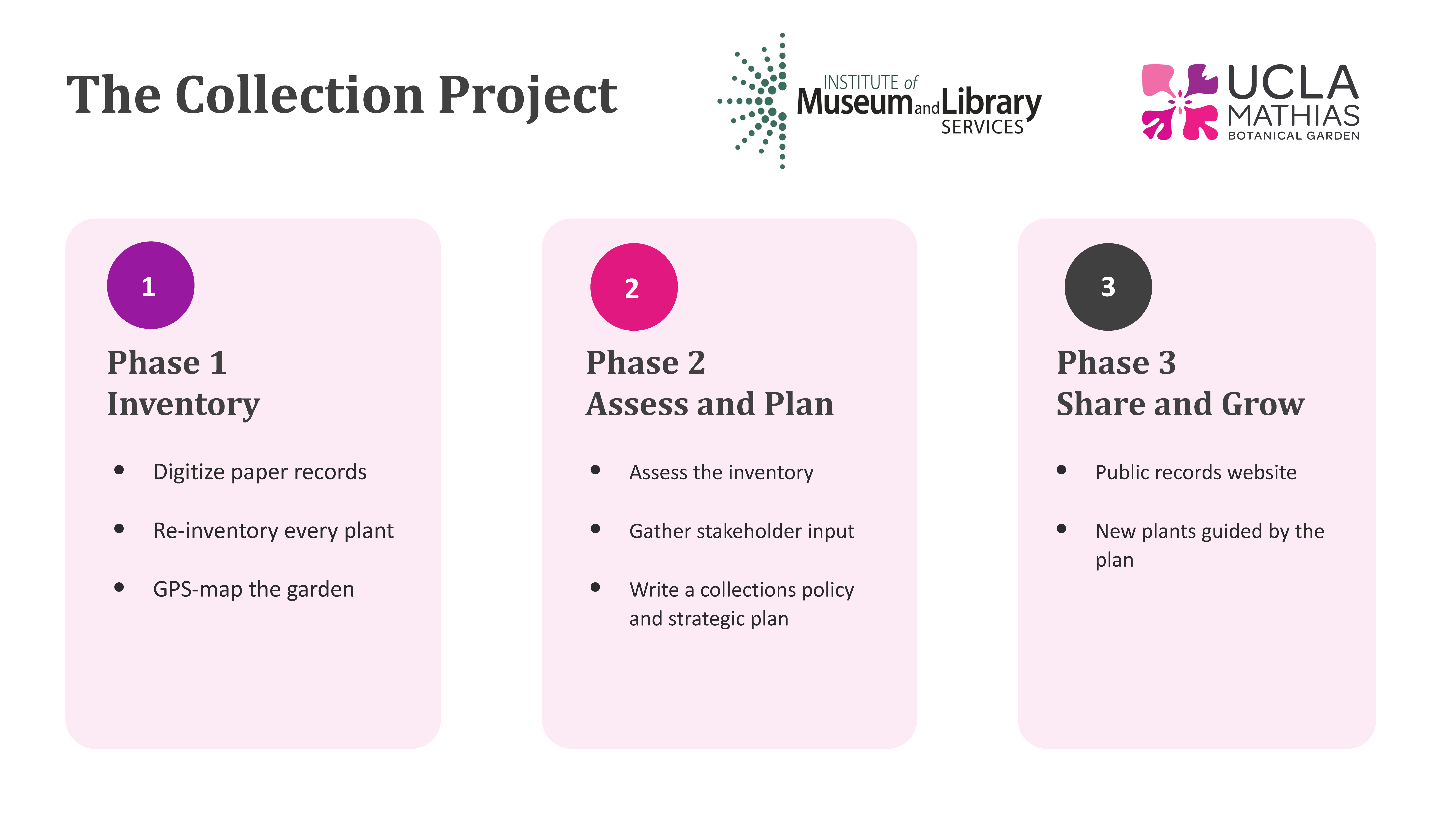
- Three phases. The project runs in three phases: Inventory, Access and Plan, Share and Grow.
- Small sections. The garden is split into manageable areas, so a team can finish one and move on. Flagging tape marks what has been surveyed.
- Dog tags on plants. Each plant gets a durable metal tag that links it to its record.
- Phones in the field. Undergraduate student helpers use mobile devices with Hortis to record GPS coordinates, confirm identifications and take many photos of each plant.
The hard parts
- Legacy data. Records migrated from ArborPro and earlier systems needed reconciling against what is actually in the ground.
- Taxonomy. Names had to be checked and updated across thousands of records.
- Deaccessions. Deciding when a plant is truly gone and closing its record, needs a clear rule.
The team leaned on the Ask Hortis AI connector with Claude for much of the data work: verifying taxonomy, cleaning up migrated records, and even producing graphics such as native range analysis.
What comes next at UCLA
- Finish the current inventory.
- Write a deaccession protocol that defines when a plant is confirmed absent.
- Set up an intake protocol so new plants get an accession number and metadata before they go in the ground.
- Resurvey the garden every three to five years.
- Experiment with condition observations in Hortis to explore ad-hoc inventory workflows.
From card files to the cloud at Royal Tasmanian Botanical Gardens
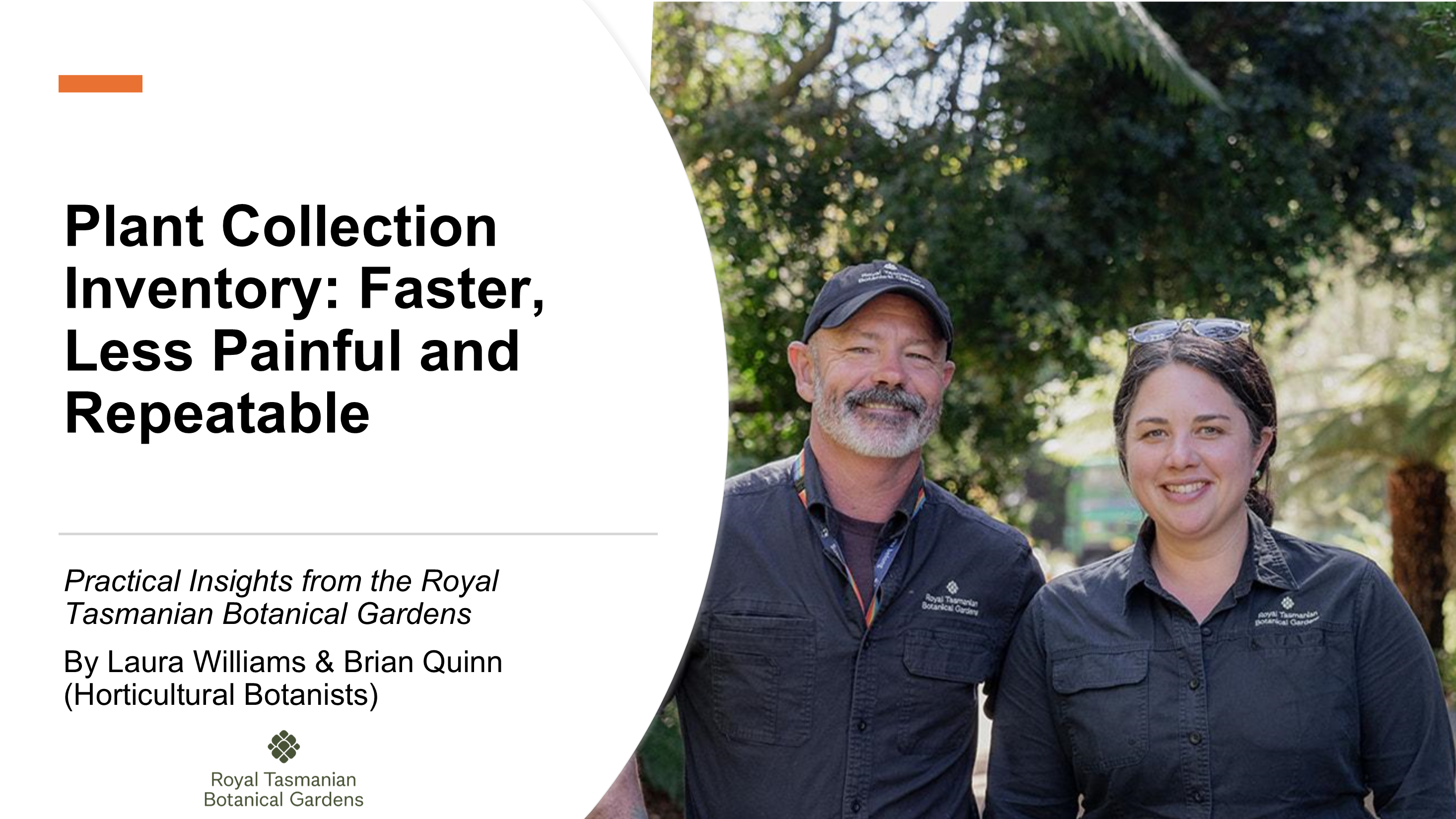
After 18 months on Hortis, the Royal Tasmanian Botanical Gardens say inventory audits are easier, and their data is more accurate than it has ever been. Laura Williams covered the collection records journey, and Brian Quinn showed how the system supports conservation work.
Two centuries of record keeping
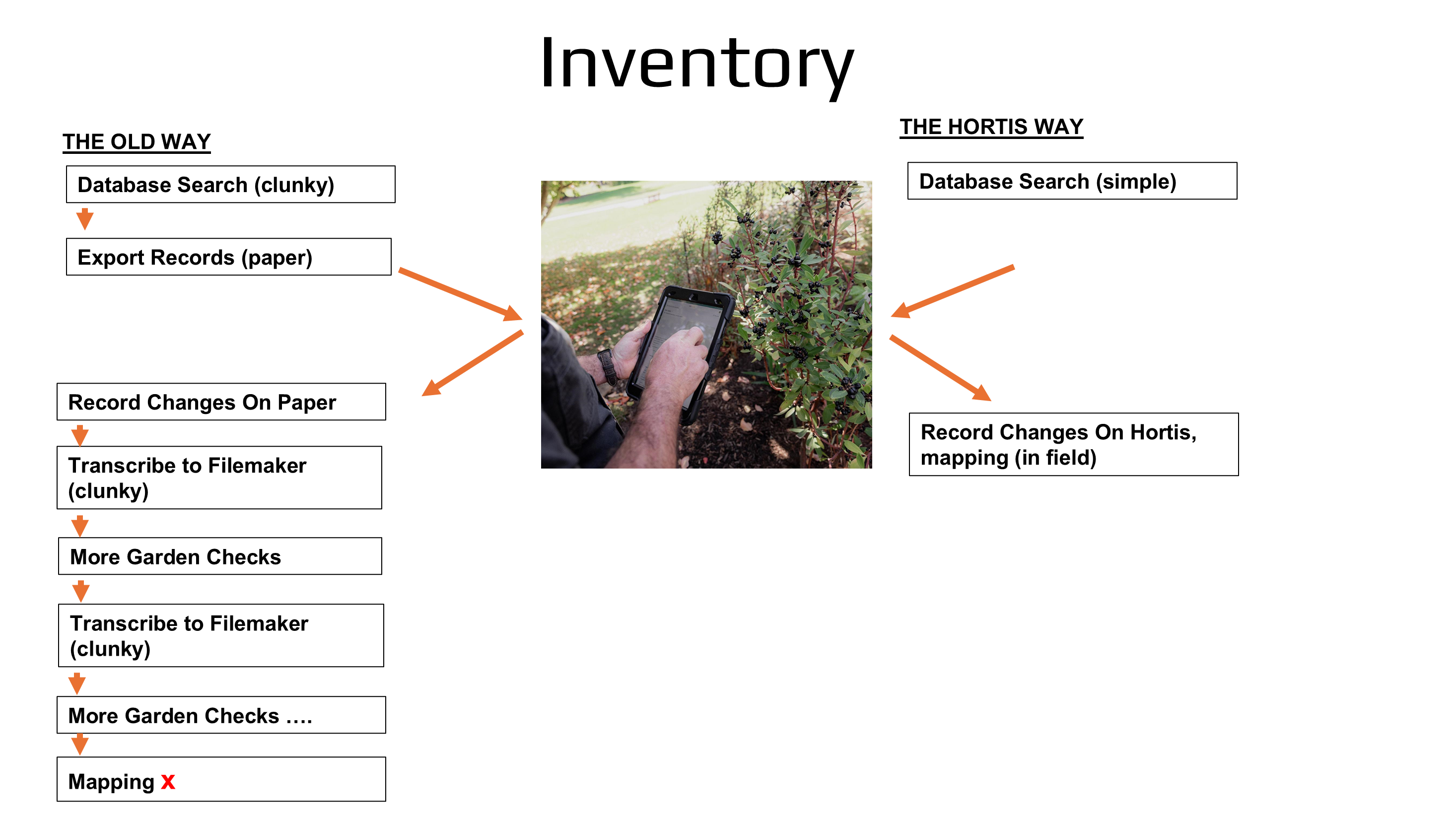
Laura traced the gardens' records from historical ledgers to cardboard file cards, then to a FileMaker database, and finally to Hortis in the cloud. The move from FileMaker brought some early transfer issues, which have since been resolved. She now uses Hortis to check taxonomy and correct inconsistent cultivar names, which saves her significant time.
What changed in day-to-day inventory
- QR-code tags. Staff scan a plant's label with a phone and land straight on its record.
- Phone access in the field. Checking and updating records no longer means going back to a desk.
- Photo storage. Images sit with each record instead of in separate folders.
- Label printing. A streamlined label printing workflow to produce new labels.
- GPS mapping. Plant locations are captured with the phone camera and GPS.
A meta-collection for Tasmanian endemics
Brian presented the gardens' meta-collection project for four priority endemic Tasmanian plant species. Conservation collections live or die on provenance. With Hortis, each accession now carries its full metadata and source information, so the team can see exactly what is held, where it came from and how it is doing. The priority taxa the project focuses on includes: Lomatia tasmanica (King’s Lomatia), Phebalium daviesii (Davies waxflower), Athrotaxis cupressoides (Pencil pine) and Athrotaxis selaginoides (King Billy pine).
The gardens also publish part of their collection to the public through FloraMap, their public site on the Hortis platform.
What both gardens found
Two gardens on opposite sides of the Pacific, one 97 years old and one 208, learnt the same lessons.
- Make the work small. Splitting the garden into sections lets a team finish something every day, and it makes the inventory easy to repeat.
- Take the record to the plant. A phone, a scannable or durable tag, and a GPS fix turn a field check into a few taps instead of a round trip to the office.
- Clean the legacy data as you go. Both teams inherited records from older systems and used the inventory to fix names, close out dead records and fill gaps.
- Plan for the next inventory now. Intake rules for new plants, clear deaccession rules and a resurvey cycle are what turn a one-off project into a repeatable process.
Questions from attendees
Attendees in both sessions focused on the practical details of tagging, mapping and edge cases.
Atlantic session
- What system did you use prior to Hortis? We used IrisBG on dedicated computers that you can only access in our building.
- How do workers identify section boundaries in the garden? The garden areas are now divided by the irrigation sections, which many staff are familiar with.
- How did you print the metal dog tags, and how much do they cost? The main investment is the embossing machine, which is very expensive, but it's durable and will last a long time. The metal tags themselves are very affordable. After we discovered the machine had a USB port, we found a workflow where we export the relevant plant material data from Hortis and instruct Claude to produce a file in the format the embosser requires. Now we can print 100 tags at a time, which is way faster than typing them in.
- What would be your minimum time between periodic surveys? Resurveying every 3 to 5 years would be ideal, but you may want to adjust this based on lifeforms, the importance of the plant material and the resources you have available. In the future, we are looking at how staff who work in the garden can curate their own section, including updating the database.
- How do you capture GPS locations? We use a Garmin GPS Map, but ideally, we would have liked to use a higher-precision receiver; this was outside our budget. Some modern precision GPS receivers let you integrate directly with Hortis through Bluetooth, which is much easier than typing coordinates. Alternatively, users can just drag the map marker to an approximate location.
- How do you handle mass plantings? Plants can be recorded as “mass planting”, but the map will represent it as a point. Some gardens use sublocation polygons to represent mass plantings, but UCLA has not used that approach.
- How do you handle self-seeded and volunteer plants? We are still figuring out how we might approach this.
- Can the system track things that are not plants? Yes. UCLA records assets such as seating areas and irrigation equipment alongside the collection.
- Can large beds be subdivided into blocks? Sublocations and polygons in Hortis can be used for this. Each bed can be subdivided into sublocations, which can be subdivided further, etc.
Pacific session
- How do you share the collection with the public? RTBG uses the public site feature that is available on the Hortis Plus plan, which they call the RTBG FloraMap.
- Who prints your labels? We use a thermal printer supplied by a Melbourne-based company. We have used this for 18 months, so we cannot yet say with confidence how they might degrade over time. Details are in the resources below.
- Where are photos stored? Photos are stored in the cloud, and the physical location depends on your region. This can be Australia, Europe, North America or the United Kingdom.
- How do you map plant locations? With the phone camera and GPS.
Meet the host gardens
UCLA Mathias Botanical Garden | Los Angeles, California
A 7.5-acre garden in an arroyo on the UCLA campus, established in 1929, with more than 1,500 species including California natives, palms, cycads, succulents and aquatic plants. Its IMLS-funded Collections Project, launched in 2025, is building a full inventory of the living collection in Hortis.
You can reach Josh Brindley at joshbrindley@g.ucla.edu and Allison Keeney at allisonekeeney@g.ucla.edu
Read our Garden of the Month profile (June 2026)
Royal Tasmanian Botanical Gardens | Hobart, Tasmania
Founded in 1818, Australia's second-oldest botanic garden covers 14 hectares and holds more than 6,000 accessions, including the Tasmanian Flora Collection and the Subantarctic Plant House. RTBG runs its collection and its public site on Hortis.
You can reach Laura Williams at laura.williams@rtbg.tas.gov.au and Brian Quinn at brian.quinn@rtbg.tas.gov.au.
Read our Garden of the Month profile (November 2025)
Other Resources
Thank you to Josh, Alison, Laura and Brian for sharing their work so openly, and to everyone who joined us live in both time zones.
We've gathered some useful resources mentioned during the webinars below. Some include links to external suppliers and products, shared as examples of what the gardens use rather than specific recommendations.
- Getting started with Ask Hortis AI connector [Link]
- Using High Precision GNSS Devices with Hortis [Link]
- MDT500 He Do Tag Machine. [link]
- GoDEX thermal printer and label software. [link]
- Ball Chain Dog Tag Provider. [link]
- UCLA presentation Slide Deck (PDF). [link]
- RTBG presentation Slide Deck (PDF). [link]