Donor/Supplier autocomplete
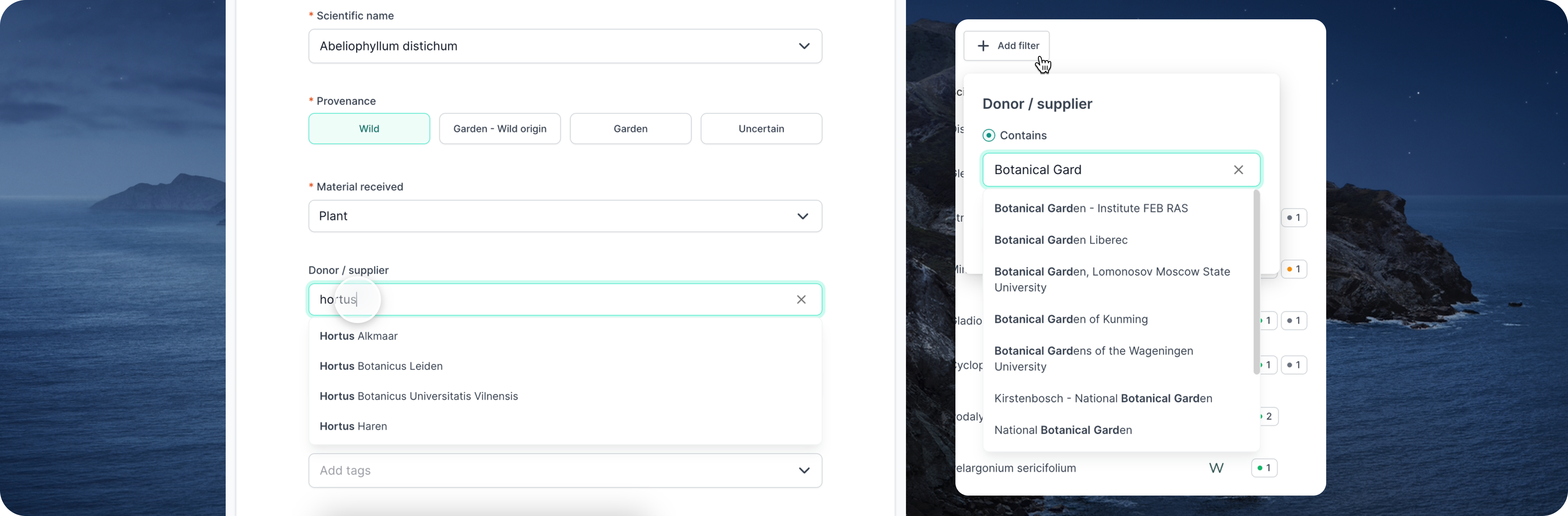
Users now have suggestions of existing organisation donors/suppliers when creating and updating accessions. When filtering accessions, the suggestions are based on donors/suppliers from the current collection site.
Receive tips, news, & invitations to our events—straight to your inbox.

Users now have suggestions of existing organisation donors/suppliers when creating and updating accessions. When filtering accessions, the suggestions are based on donors/suppliers from the current collection site.

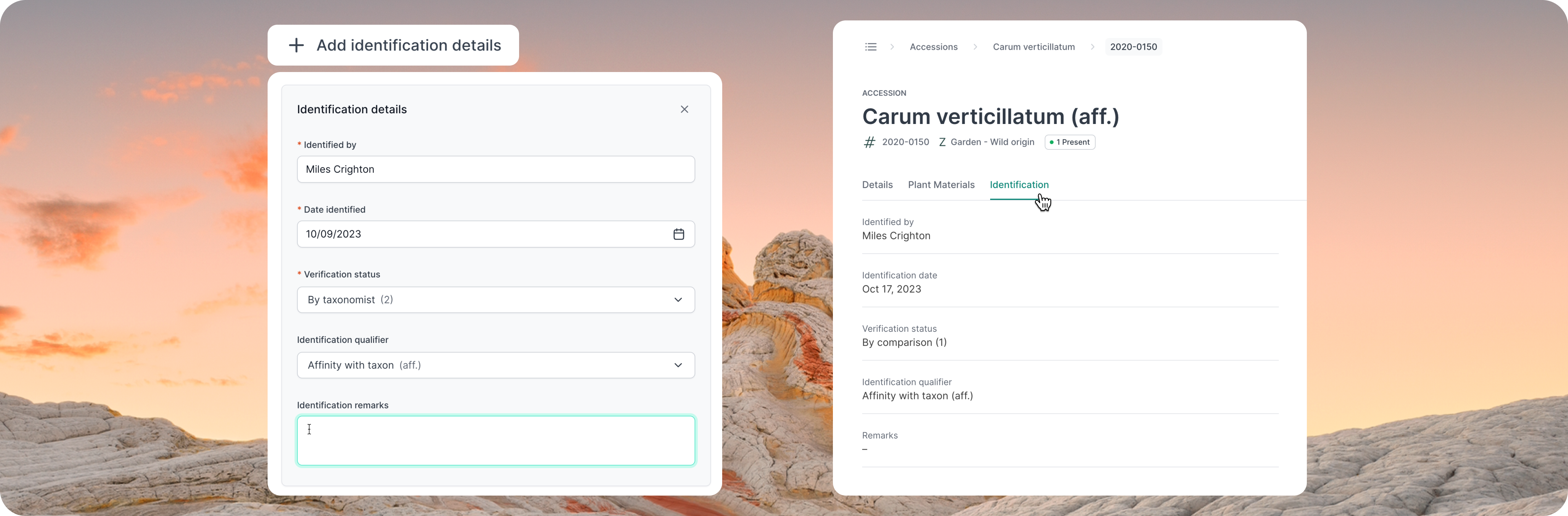
Details around the taxonomic identification can now be recorded in new accession fields. These are designed to help institutions document the certainty of plant material identification, aligning with bioinformatics standards. You can opt-in to these fields using Site Settings.

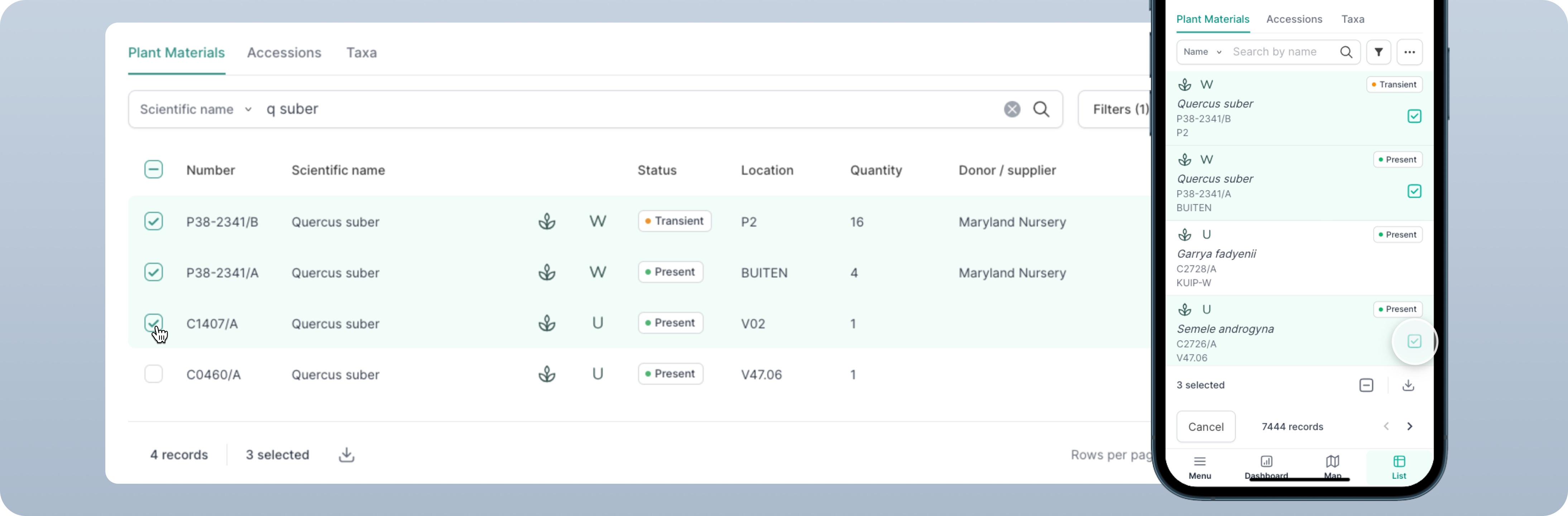
Users are now able to download selected records on both desktop and mobile. This sets up the framework for batch actions across the platform (such as updating and deleting records). This feature is especially handy when you need to export a specific subset of records after conducting searches or applying filters.

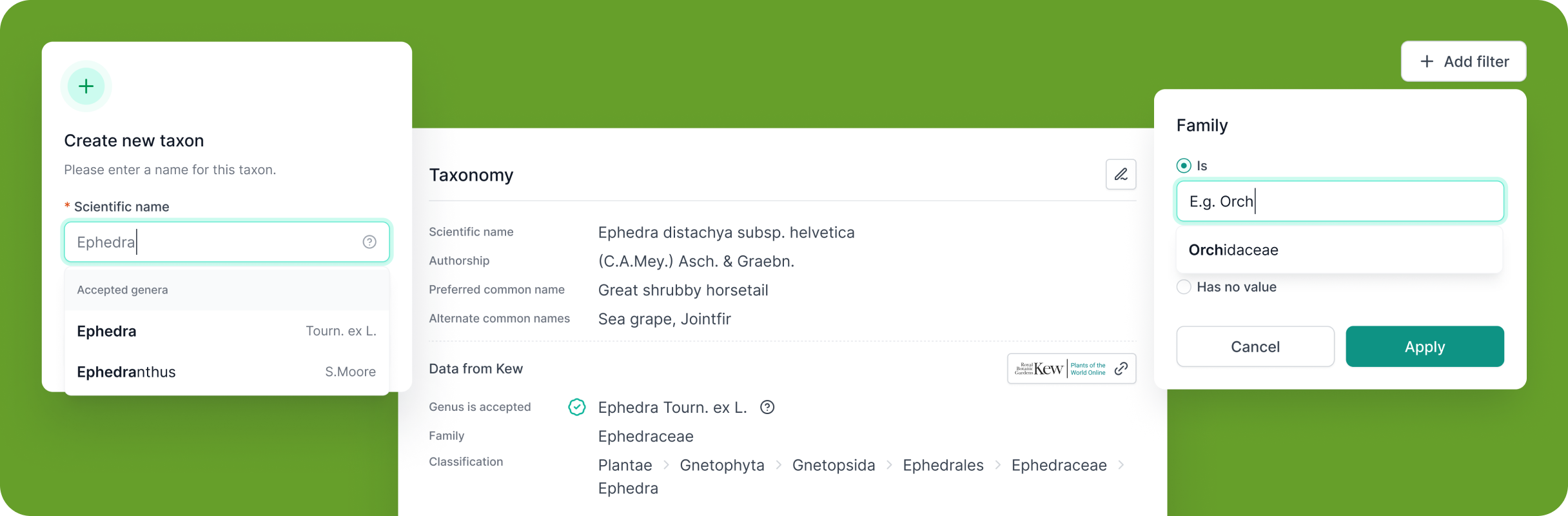
With integration to Plants of the World Online (POWO) for vascular plants and Catalogue of Life (COL) for non-vascular plants, our community can now access shared taxonomic data seamlessly. This allows users to utilise shared factual data, reducing the burden of individual input and maintenance, whilst making taxonomic referencing more efficient.

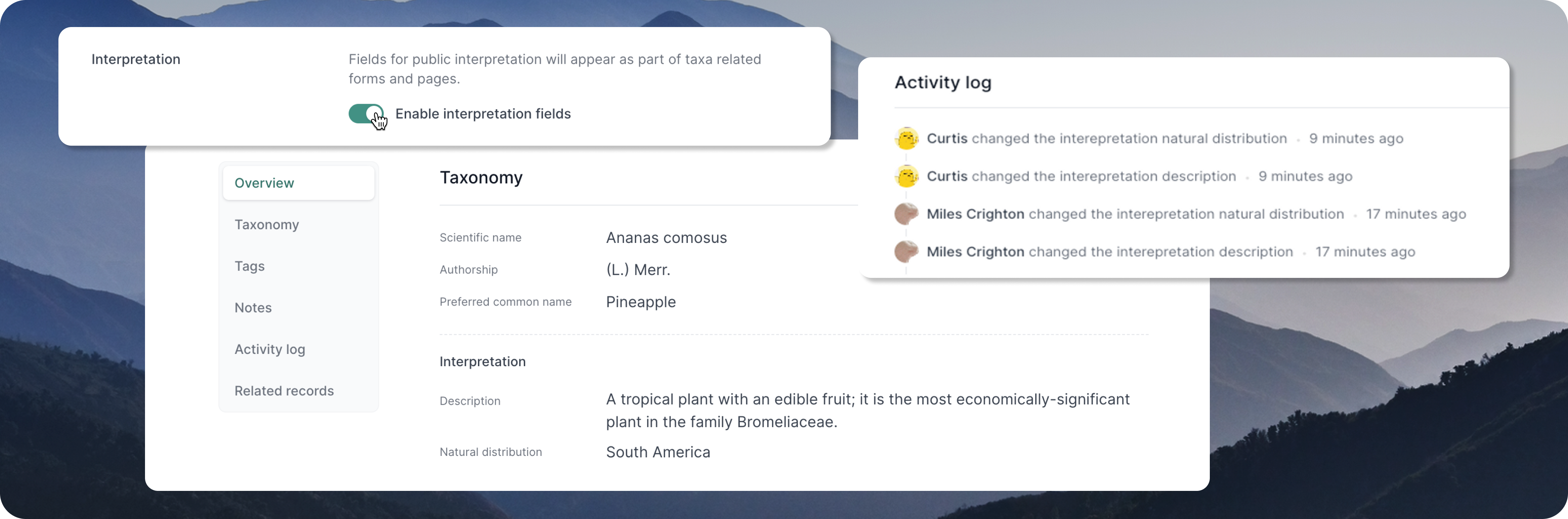
Two new fields have been added to taxon records, allowing you to record a taxon description and natural distribution. The interpretation fields can be enabled/disabled from the Organisation settings page.
When downloading your taxa or plant material lists, the interpretation fields will be included – therefore helping you to create interpretation labels from your data.

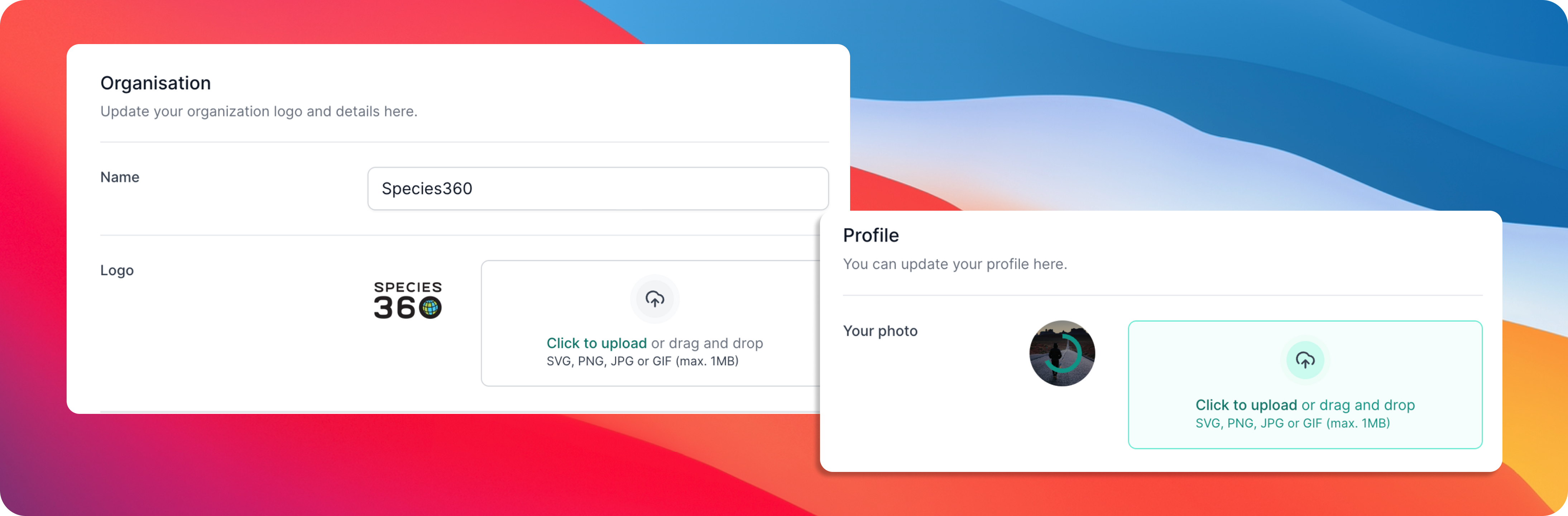
Personalise your account by uploading your own profile picture, by navigating to the profile settings page. Admins can also upload custom logos for their organisation within the organisation Settings page.

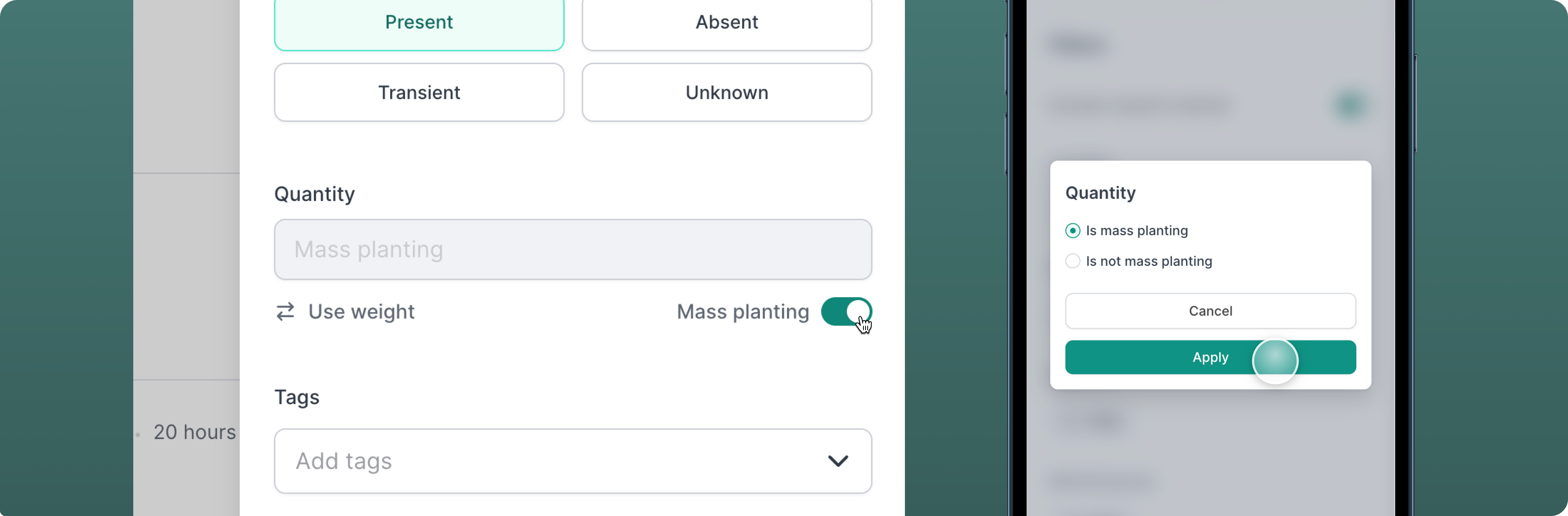
Enable mass planting as an alternative to quantity for your plant materials. You can also filter and sort by mass planted materials in your list and map views.

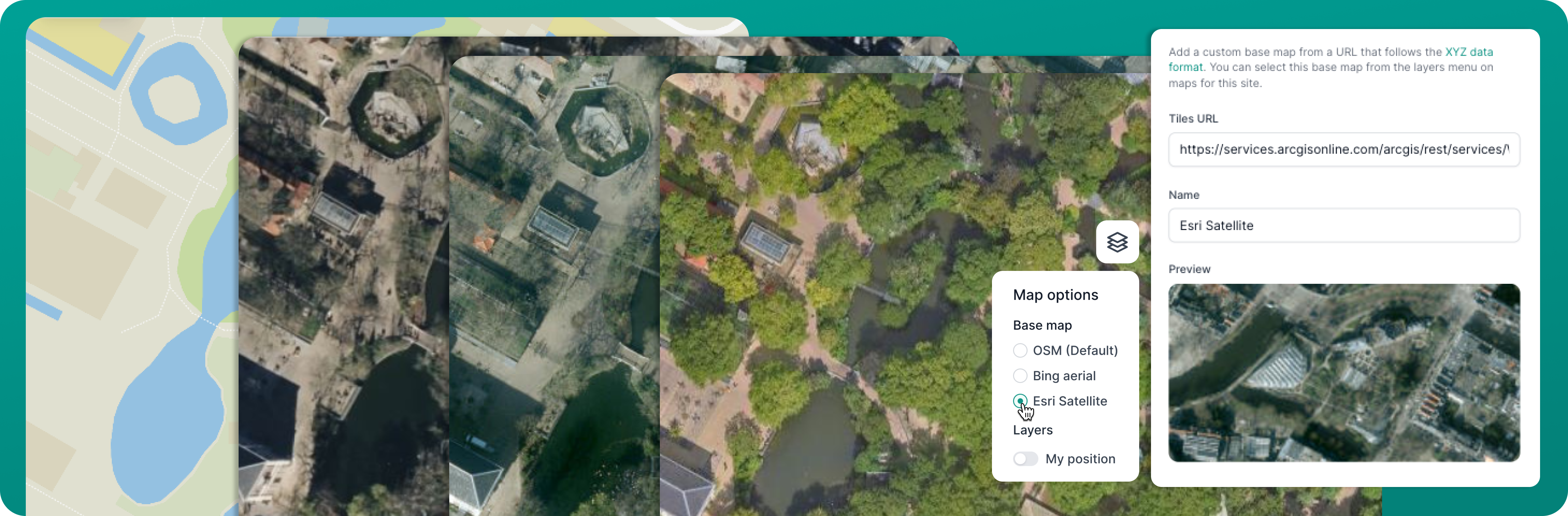
You can now add other base map layers or your own custom map layer to Hortis. Easily set a tile URL and a name to your custom map, and use the preview function to visualise and ensure its accuracy. Switch to the new layer whilst browsing the map or positioning of your materials. For more information on XYZ maps, head to this link.

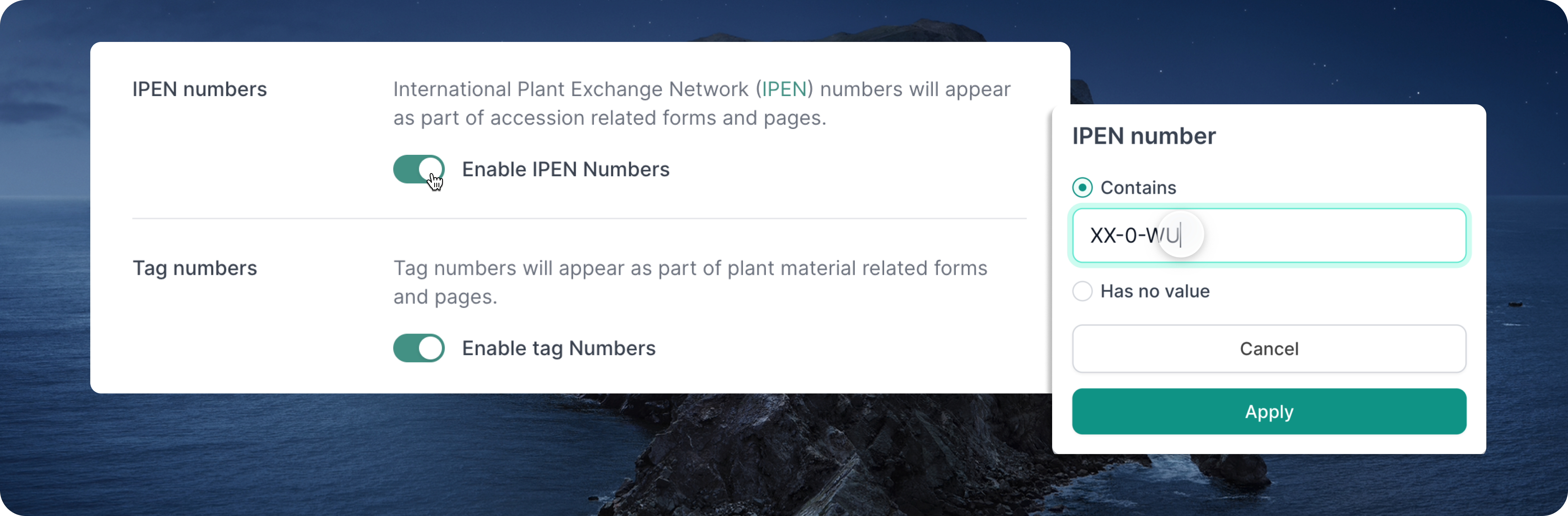
IPEN numbers can now be recorded and filtered on the accession. This has been introduced as an "opt-in" field (along with Tag Number), with easy toggle controls for these fields in your Collection Site Settings.
With the new opt-in toggles, you can now choose to hide fields and inputs that are not relevant to your site's specific requirements. This customisation reduces clutter and ensures a more intuitive user experience for sites that do not utilise IPEN numbers or Tag Numbers.

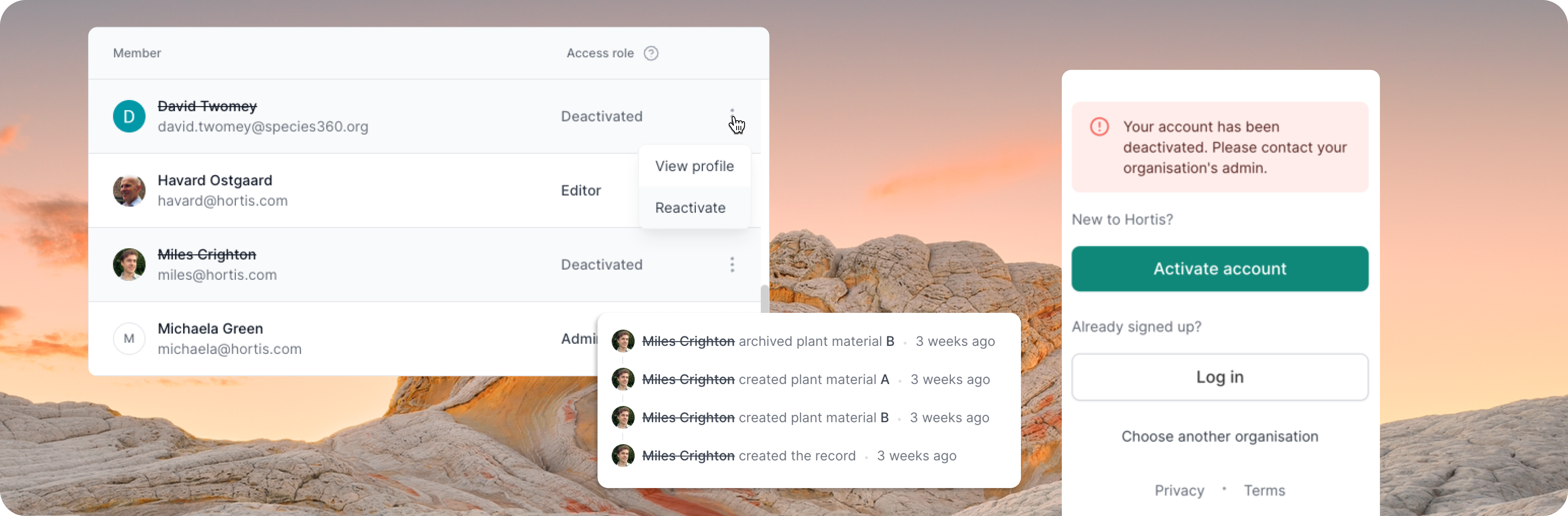
Admins now have the ability to deactivate users to prevent access to their organisation. Admins can also reactivate a deactivated user's account. Any deactivated users will be visually indicated throughout the app.

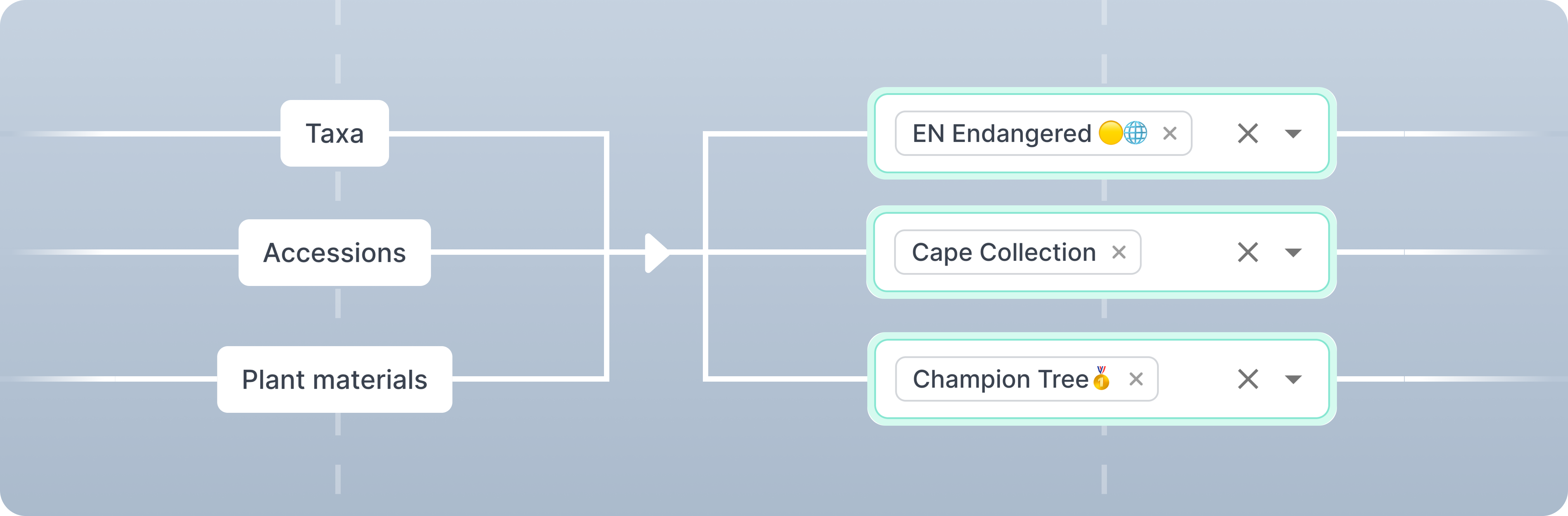
Previously, tags were limited to individual record types, restricting list and map search results to the specific record type where the tag was applied. Now, filter results will show tags applied from all levels, providing a more interconnected view of your plant records.
For example, filtering for a tag applied to a taxon will return the associated accessions and plant materials. Filtering for a tag applied to an accession will return the associated plant materials.

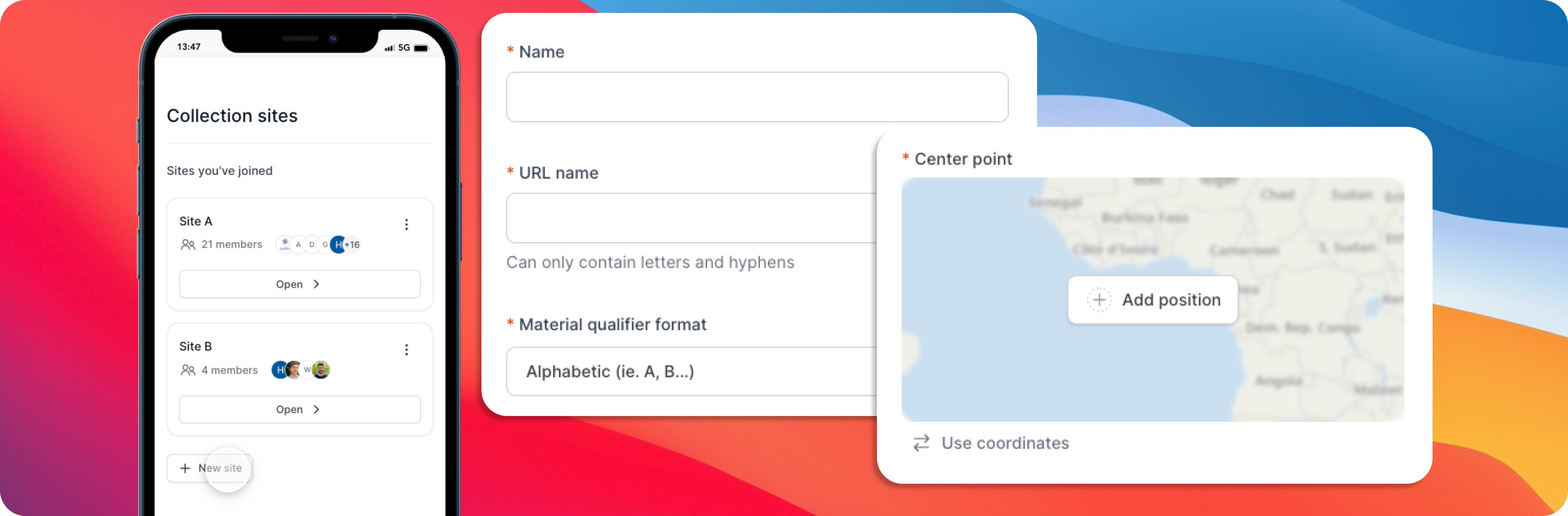
Admins can now create new collection sites from the Settings or Sites page. Whether you manage multiple gardens or facilities, each site can now be easily created and configured with a few clicks.

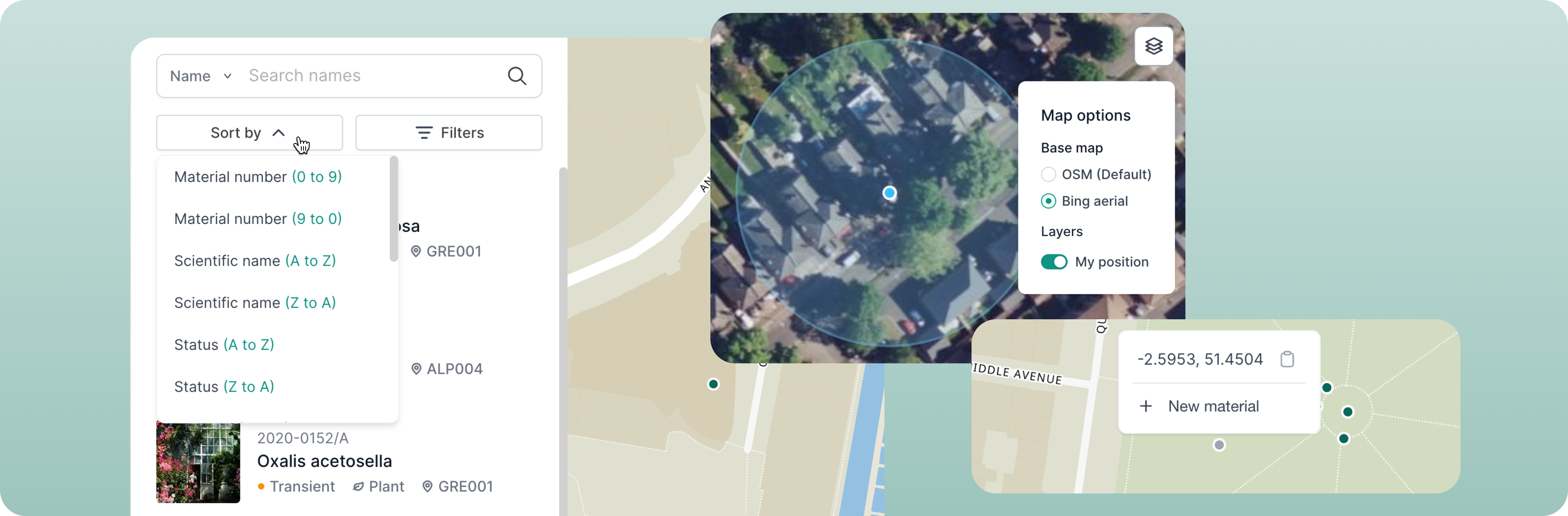
Introducing a range of new map flows and improvements for that true "maps-first" experience with several improvements, as requested by the community:

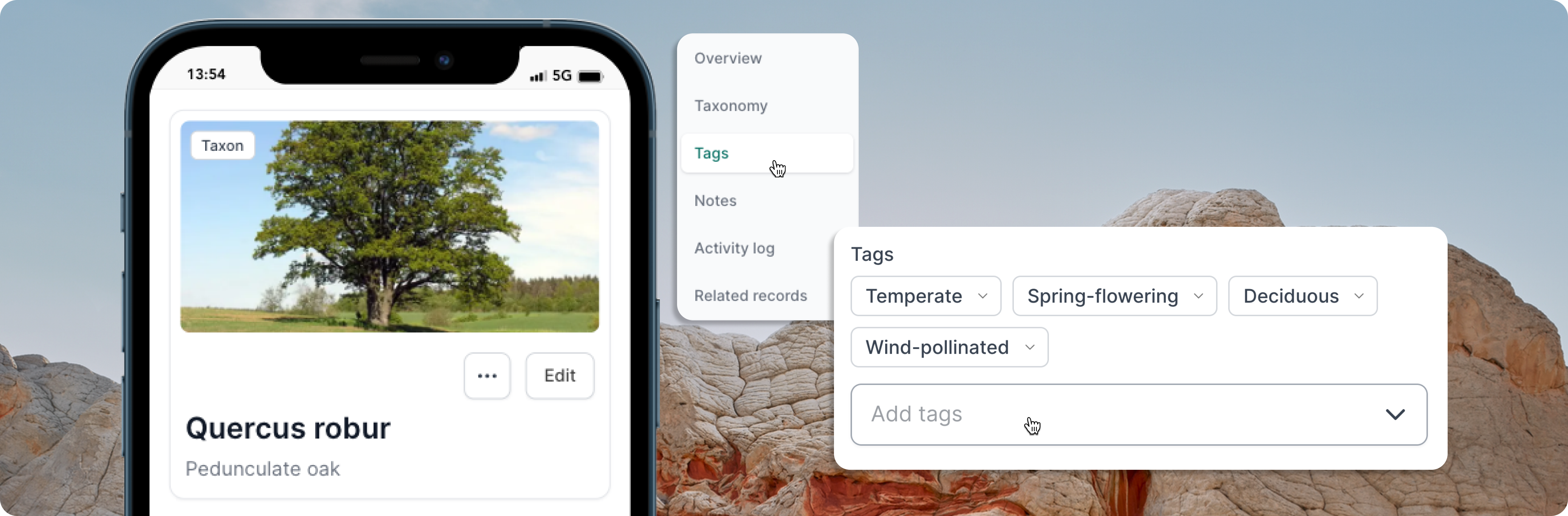
You can now categorise your taxa with tags. As with Plant Material tags and Accession tags, these allow you to organise your taxa list based on specific characteristics or attributes. Analysing your tagged taxa can also provide insights into (e.g.) the distribution, diversity, or characteristics of specific plant types that exist in your collection.

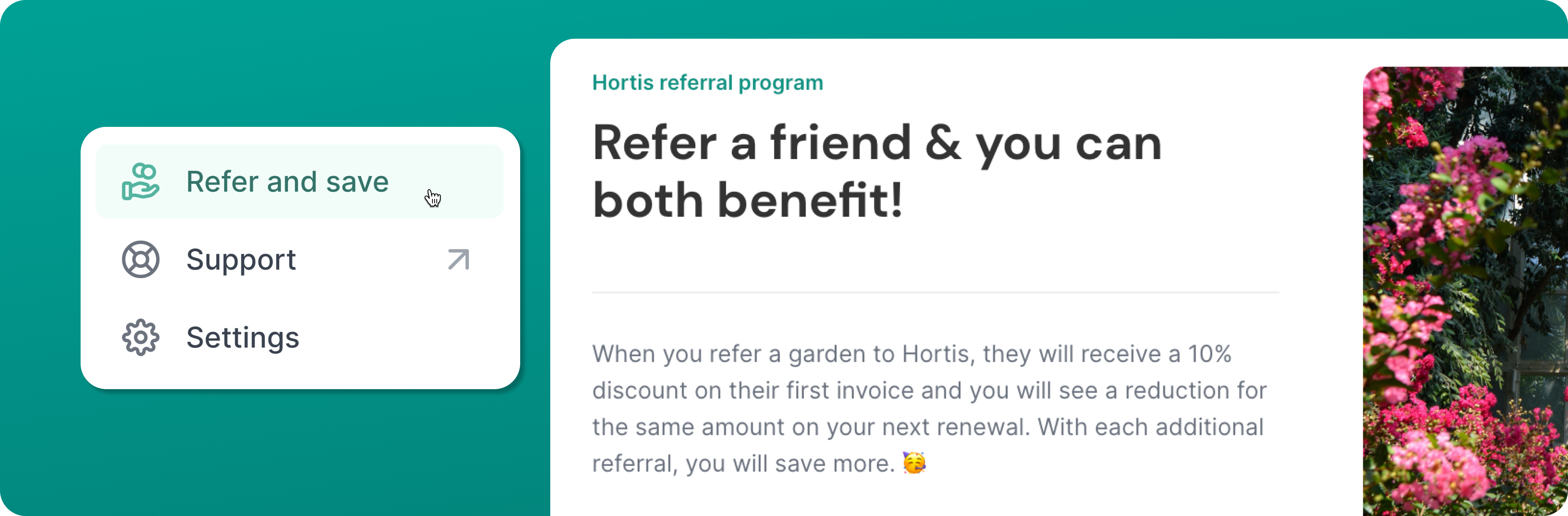
Refer a friend to Hortis and enjoy mutual benefits. Your referred garden receives a 10% discount on their first invoice, while you receive the same amount off your next renewal. Save even more with each additional referral. To participate, simply log in to Hortis and click on the "Refer & Save" link in the main navigation.

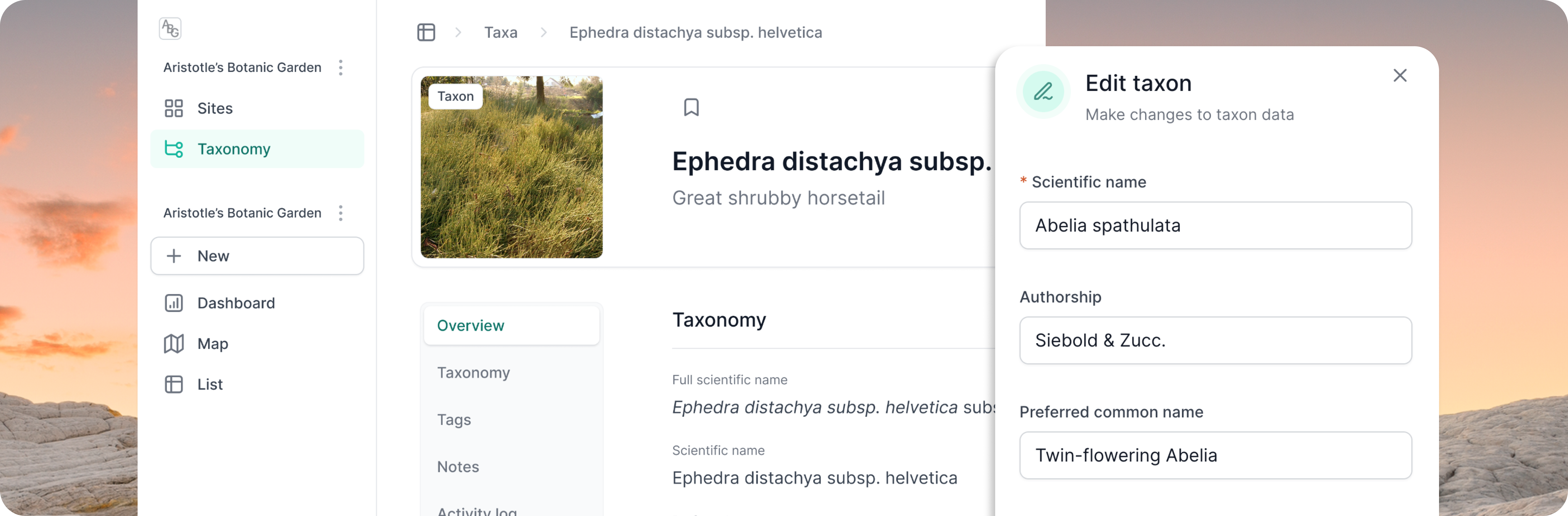
Enhance your taxonomic data as we introduce taxon records, enabling you to record author citations, common names, and notes. Browse all taxa from your organisation or individual collection sites, and enjoy more efficient accessioning. This pivotal milestone also opens up exciting future possibilities for integration with taxonomic datasets.
Full list of new taxonomy-related features:

The navigation side bar just got a fresh update. Enjoy a more intuitive and streamlined experience as you find your way around our platform.
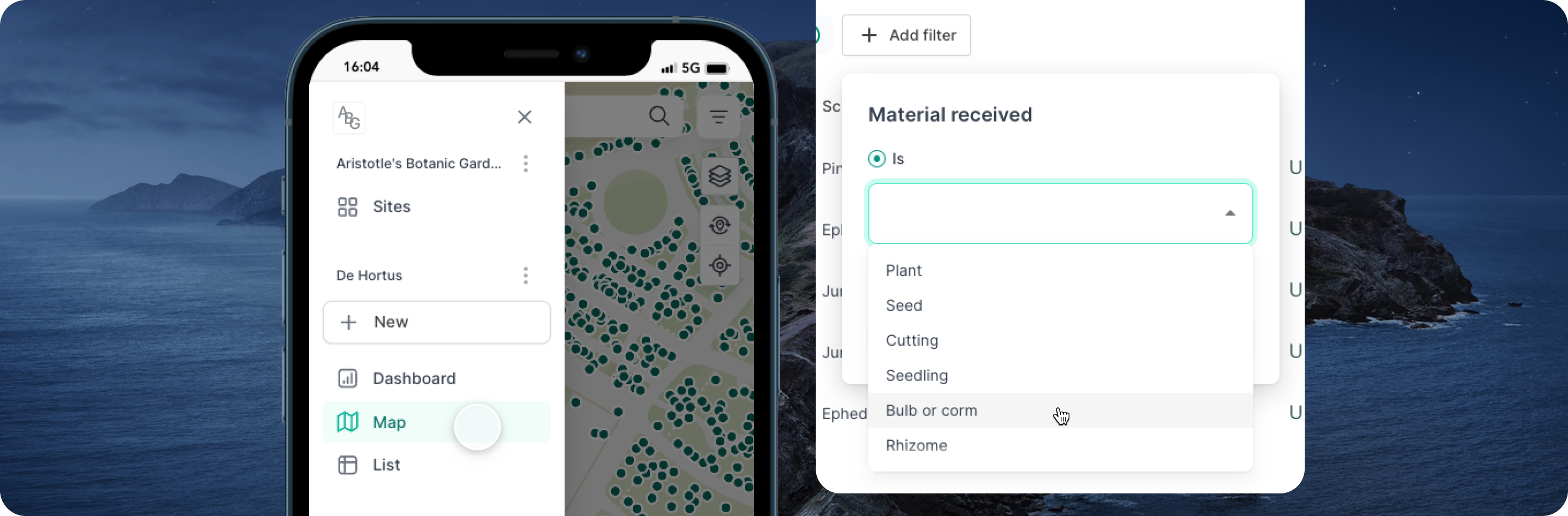
You can now easily filter your list of accessions based on the type of material received (such as Plant, Seed, Cutting, etc.). Like all of our filters, this can be combined with the search bar for a more powerful search.

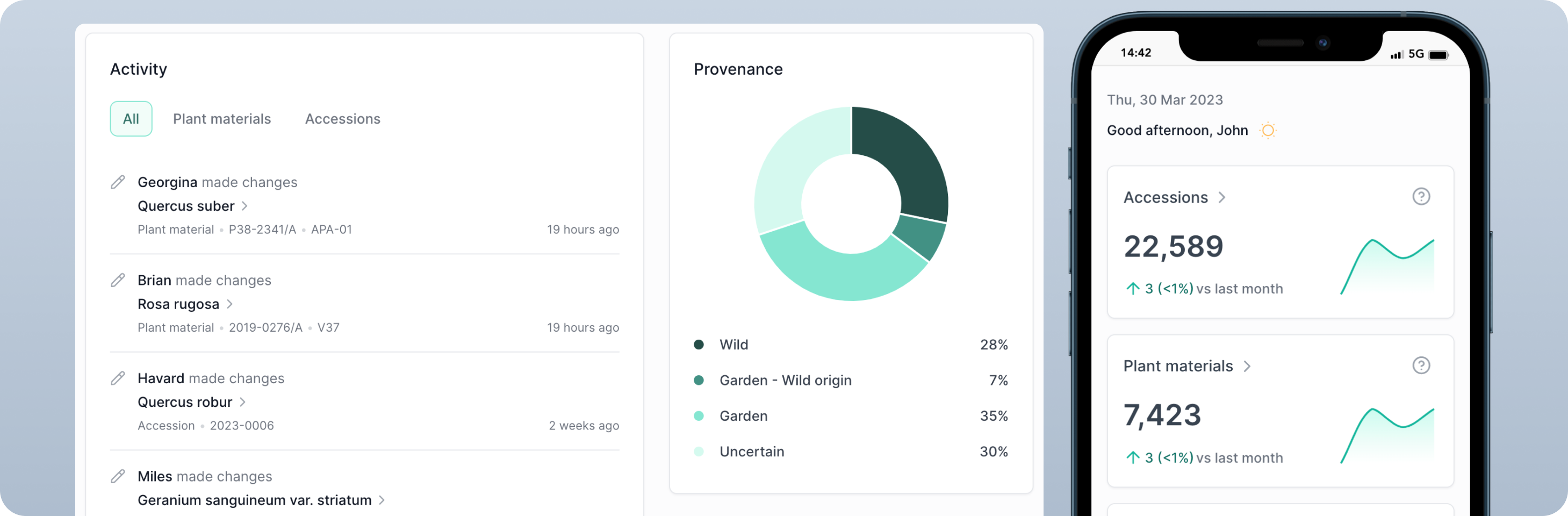
The dashboard has been enhanced with a new activity card, showing recent record changes to accessions or materials.
You can also see historical counts of records, including changes to your totals compared to the past month. Tap the helper text for more information on how those record totals are calculated.
Starting with a fresh site without any records? Your provenance chart awaits...

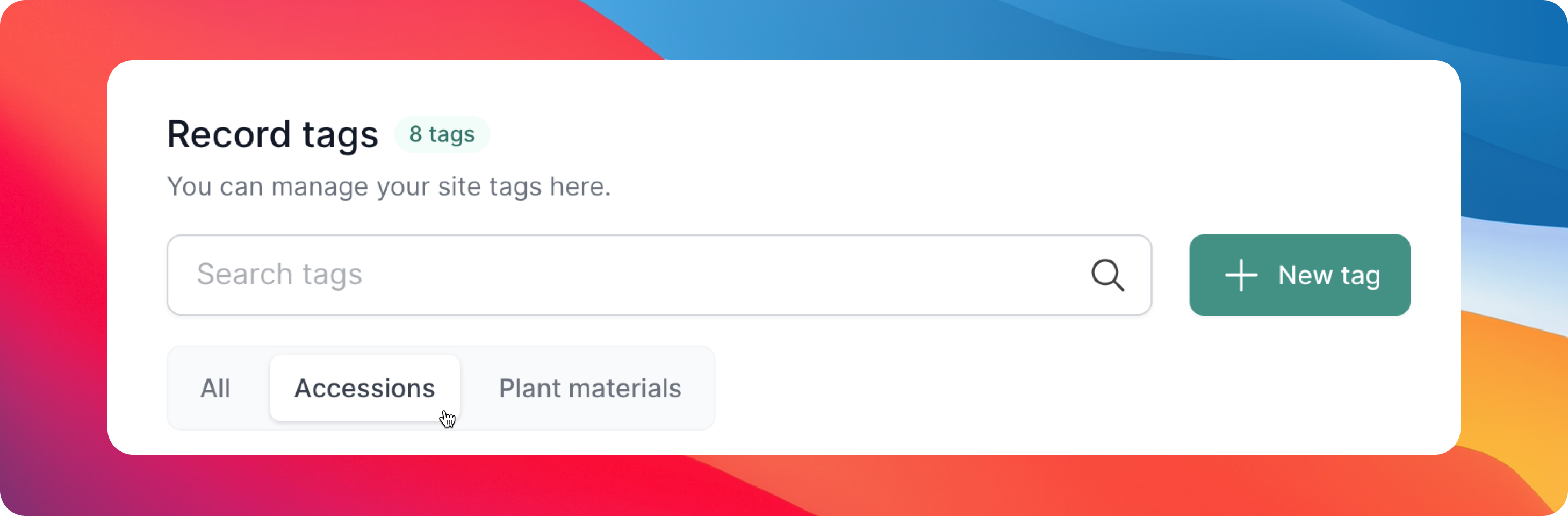
We have freshened up the Settings page for Tags. With our new filters, you can manage your Tags more easily by using the tabs to find your Accession or Plant Material Tags.

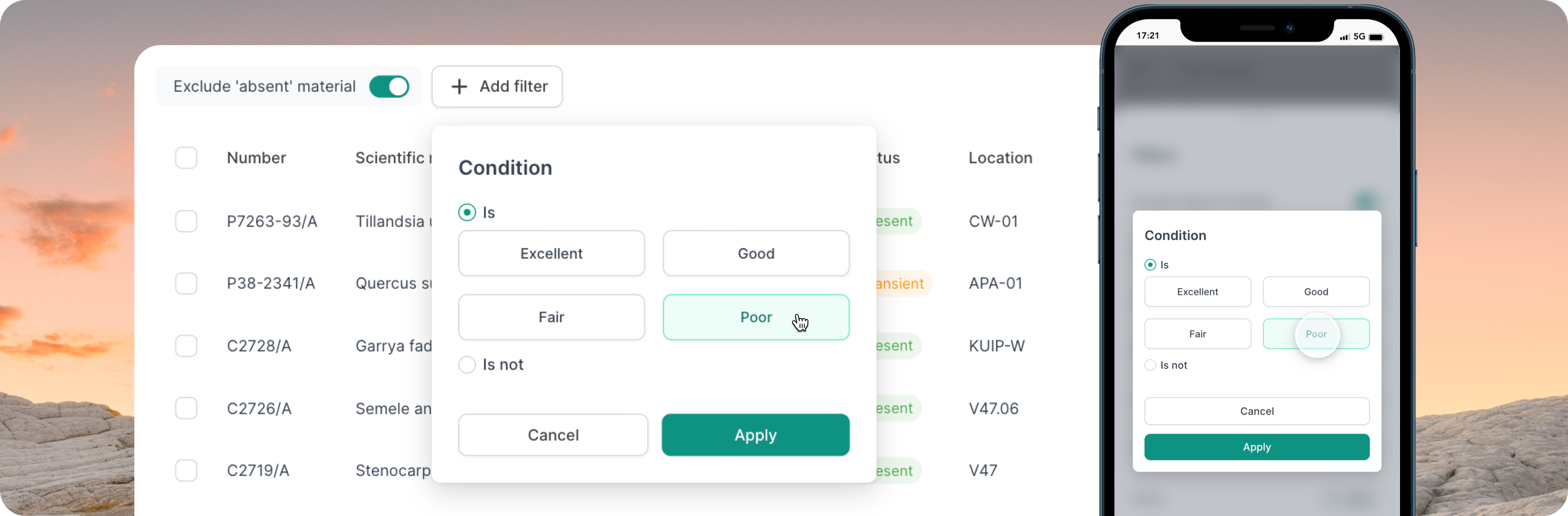
Looking for all your materials that are a certain condition? Use our new filter where you can choose one or more conditions to match. Remember, like any of our other filters, you can combine this with the search field.

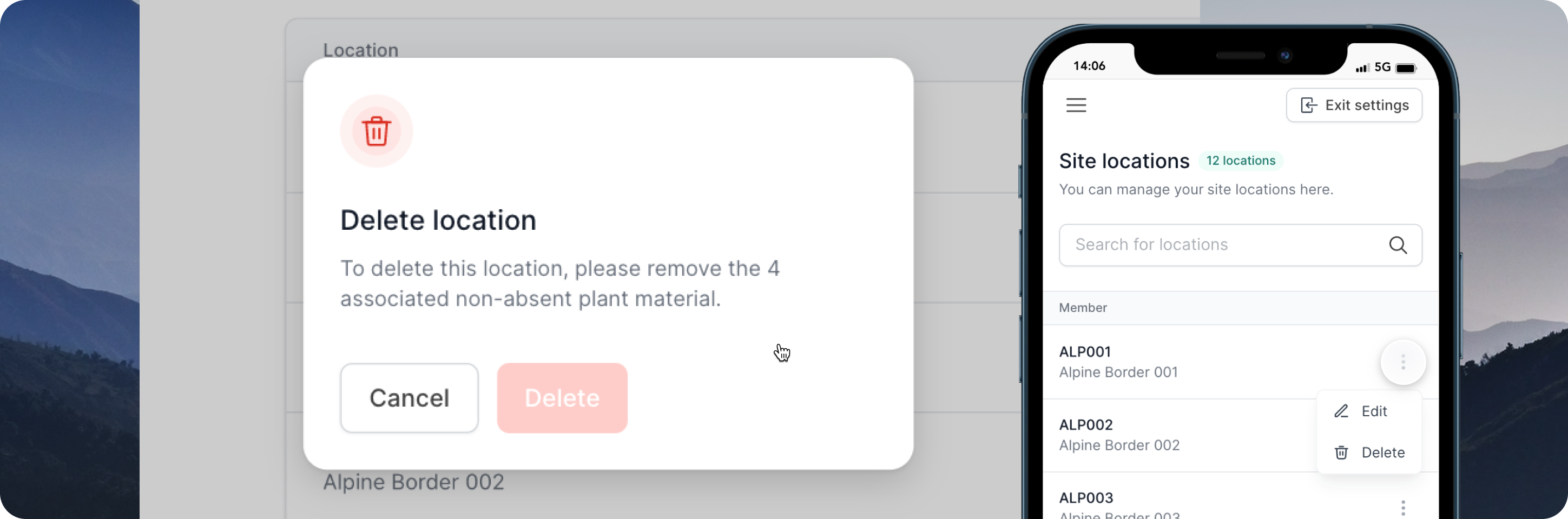
Deleting locations is now possible in your collection site's Settings. A handy dialog box will also prevent you from deleting the location if there are non-absent materials still assigned at the location. Any location names that have been deleted will show with a strikethrough in the Activity Log of the record.

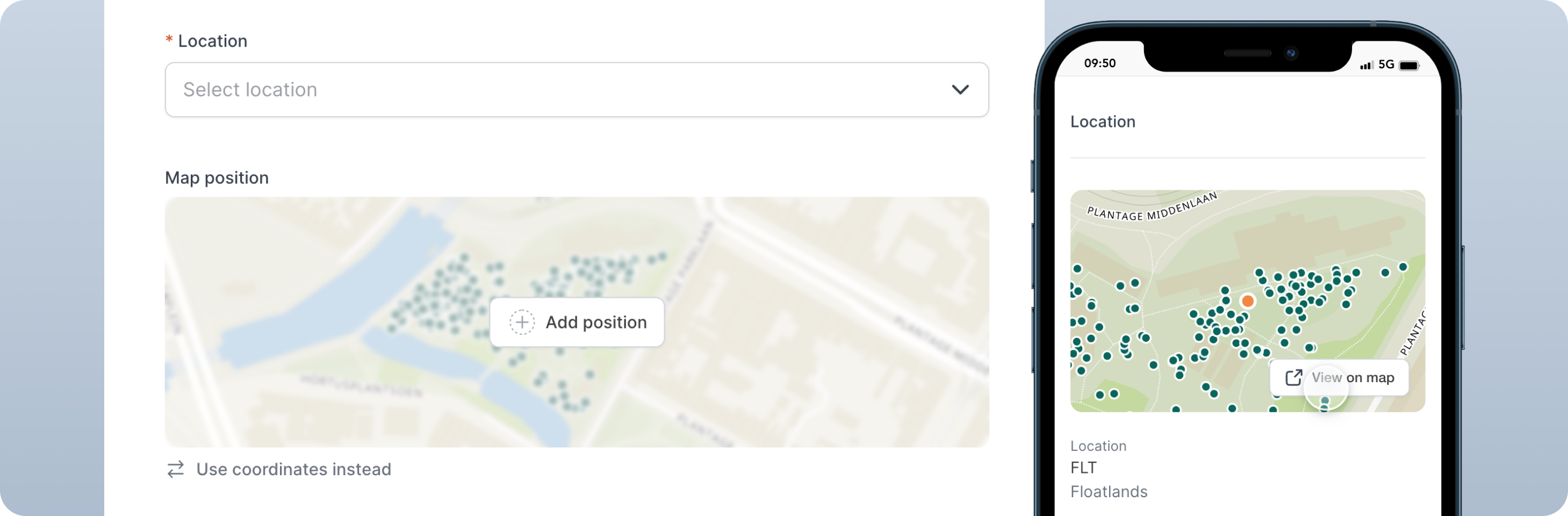
You can now add the position of your materials while accessioning, making it easier to add coordinate data to your material records. This is complemented with a new map preview on plant material records. This shows you where the material is on your map.

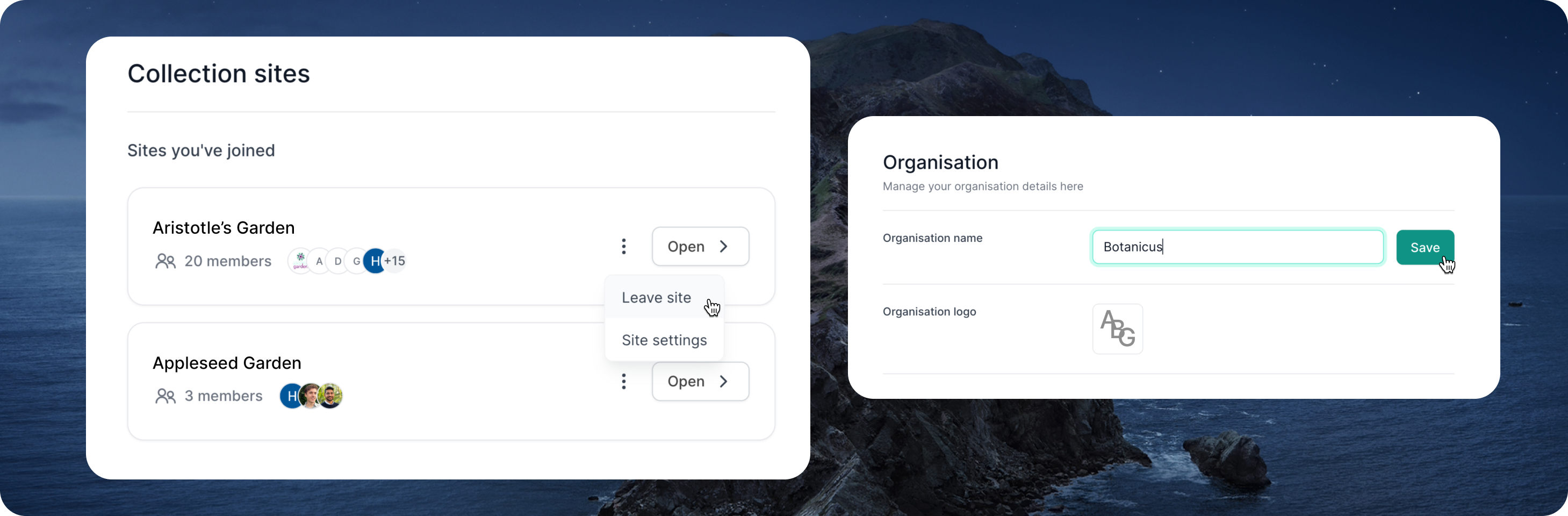
You can now see the list of collection sites that you are a member of, with the option of joining and leaving sites based on your needs.
Need to make changes to the name of your organisation? You can do so by heading to the organisation general settings page. Note that only Admins have the option to do this.

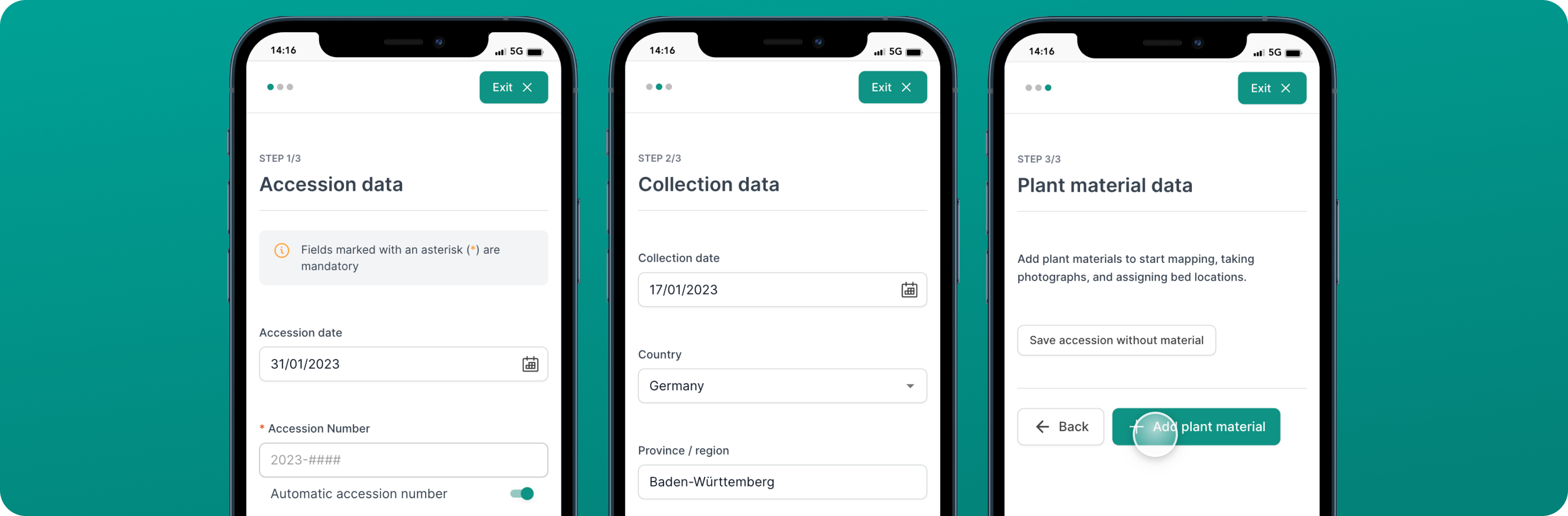
The accessioning form now skips the Collection Data screen if your selected Provenance is Garden (G) or Uncertain (U). We have also clarified the steps required to add material, to enable you to get the most out of mapping and adding photographs.
Hortis now remembers which Filters you applied to your List, when you navigate in and out of individual records. Remember to tap "Clear Filters" if you want to see your entire List.

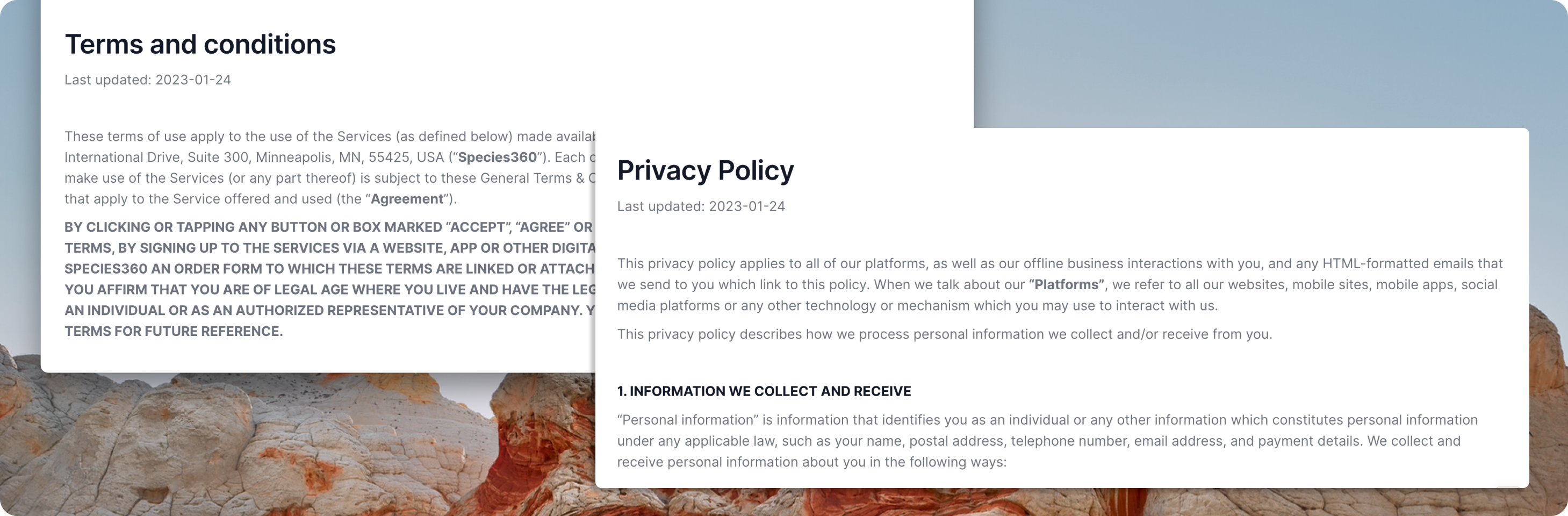
In light of joining Species360, we have updated our Terms of Service and Privacy Policy. Our commitment remains unchanged to your privacy and dedication to protect you, your data and your experience on the Hortis platform.